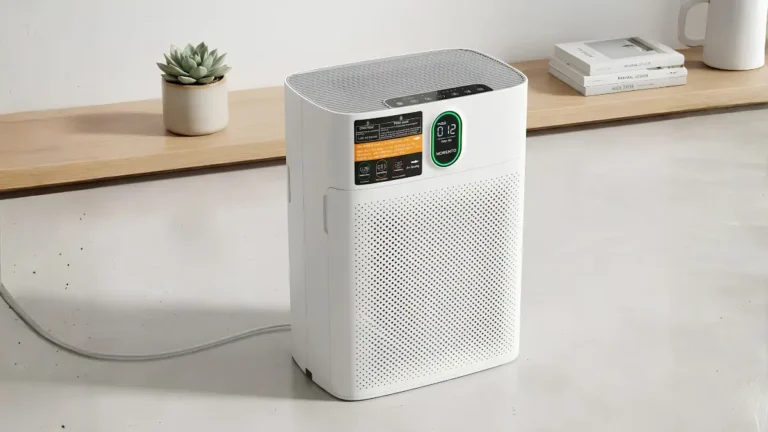
7 Critical Steps: The Air Purifier Maintenance Guide
By Dadfficient | Tested & Verified
Dadfficient is reader-supported. When you buy through our links, we may earn an affiliate commission at no extra cost to you. We refuse paid reviews—every recommendation here has survived the Dad Test.
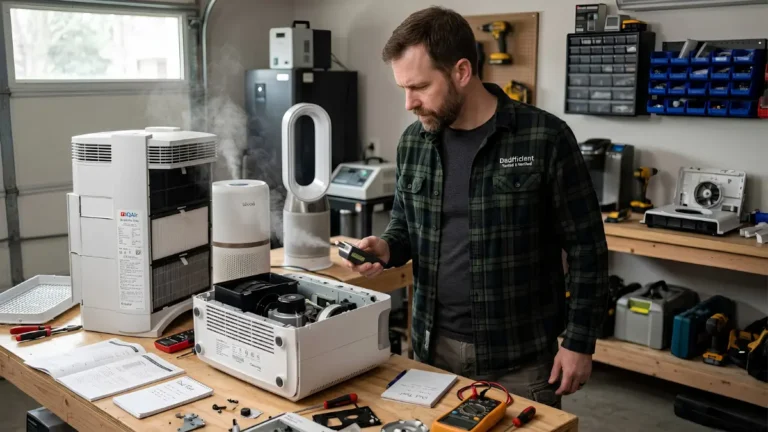
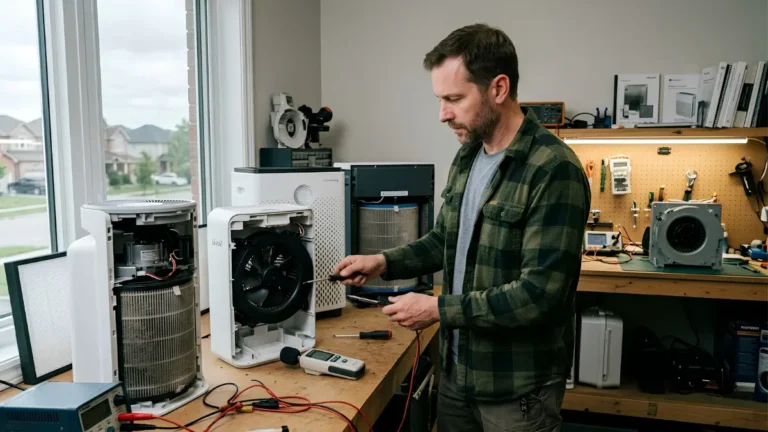
Executing a strict air purifier maintenance guide is the only way to prevent your expensive machine from turning into a noisy dust spreader. We tear down neglected units weekly and constantly find heavy pet hair strangling the internal motors. Routine care requires a physical, proactive approach, dispelling the myth that these are “set it and forget it” appliances.
If you ignore the internal build-up, the restricted airflow forces the fan to run hot, pulling excess wattage while failing to clean the room. Operating a severely clogged machine introduces negative side effects of air purifiers, including the release of trapped airborne particulates back into your immediate breathing zone.
I. Initial Setup and Establishing the “Clean Zone”
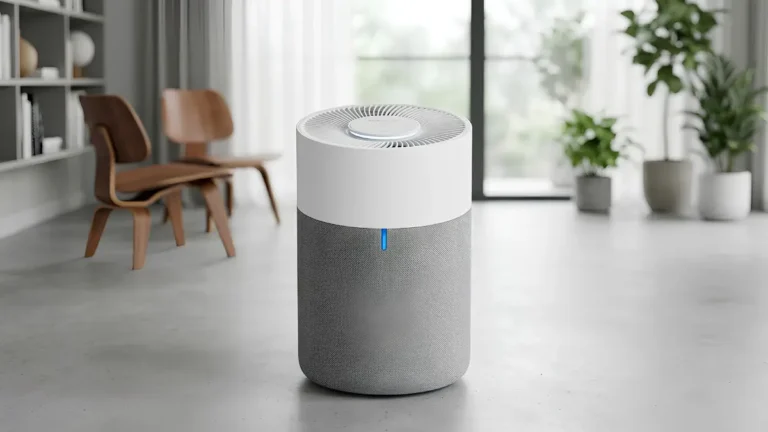
The most devastating beginner mistake is failing to remove the plastic shipping packaging from the new filter before turning the machine on. We test units returned to stores constantly, and the internal motors are completely burnt out from pulling hard against an airtight plastic wall. Once unboxed, applying this air purifier maintenance guide from day one ensures you leave at least 8 to 12 inches of clearance around all sides.
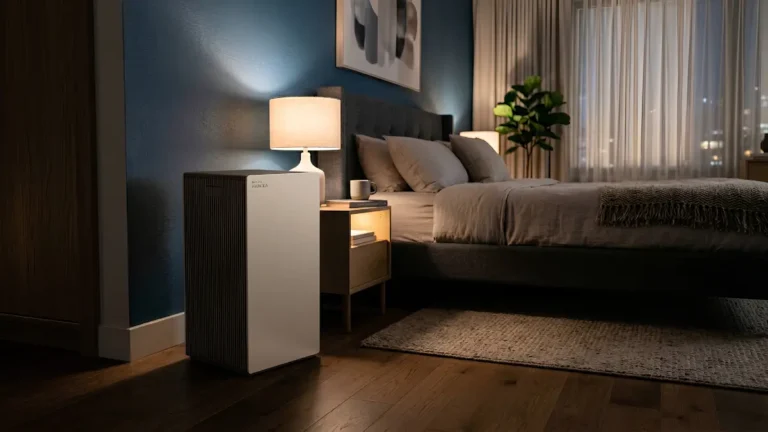
If you want the quietest air purifier for bedroom environments, you must dust and vacuum the surrounding furniture so the machine does not work overtime sucking up heavy floor debris. This clearance rule applies everywhere, whether you are positioning a small air purifier for office desk corners or optimizing an air purifier small apartment layout.
II. Decoding the Red Light Indicator
When you look at the control panel and ask why is my air purifier light red, it is rarely a catastrophic motor failure. A solid red light is most commonly an internal timer notifying you that the filter has reached the end of its programmed lifespan. On smart models equipped with laser sensors, a red ring serves as a real-time indicator of poor indoor air quality, often prompting the fan to speed up automatically.
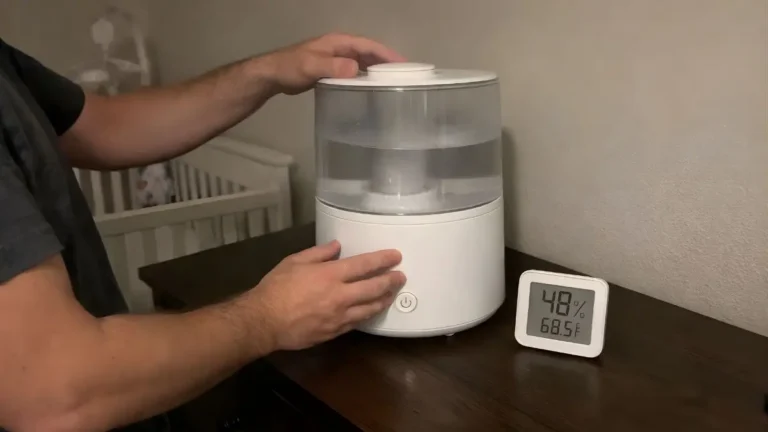
Blinking red lights indicate a more urgent mechanical issue, such as a severely clogged front grill or a failed power supply. If you are running your unit alongside heavy indoor heating, extreme dry air warnings can also trigger false alerts; review our baby air purifier vs humidifier testing to properly balance room moisture. To understand specific brand diagnostics, cross-reference our breakdown of Levoit air purifier light meanings and how to remove odor from air purifier lights.
III. The Core Air Purifier Maintenance Guide Steps
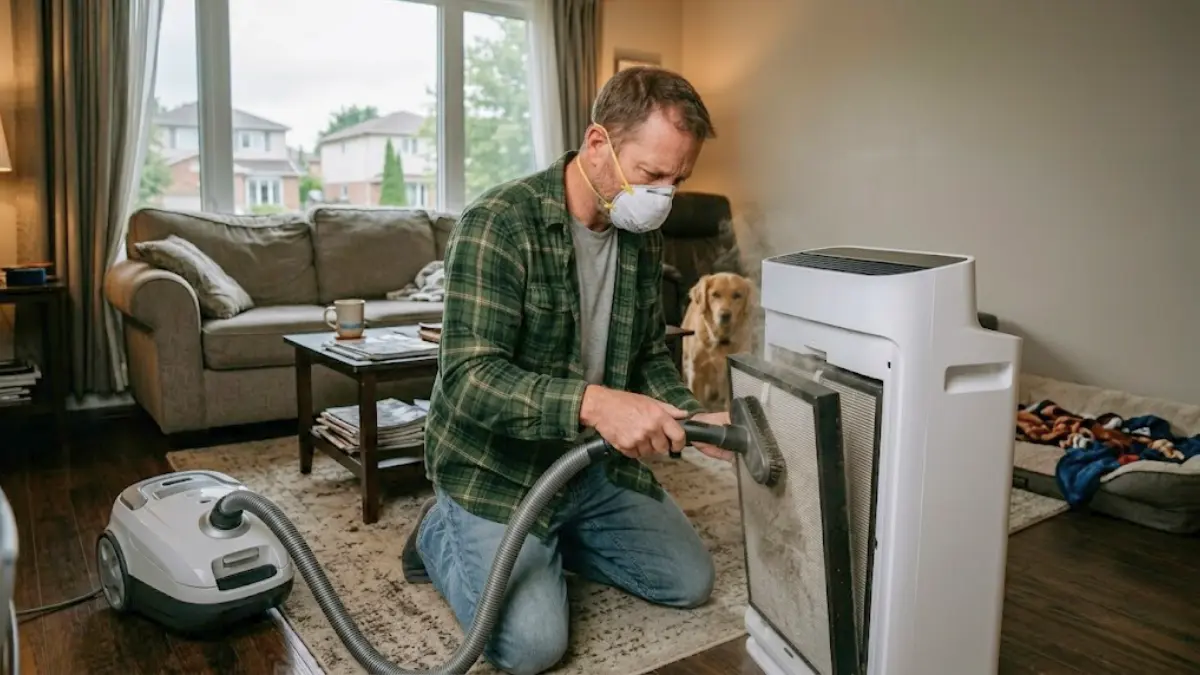
You must turn off and unplug the unit entirely before servicing the internal chassis. Every step of our air purifier maintenance guide prioritizes safety first to avoid inhaling concentrated allergens. Wear gloves and a face mask before popping the casing open, as we routinely pull thick mats of pet dander directly off the inner plastic struts.
Wipe down the outer casing and wash the front grill with a damp microfiber cloth and mild soap to unblock the main air intake vents. Next, locate the air quality monitor on the side of the machine and gently wipe the tiny optical lens with a dry cotton swab to prevent erratic fan speeds. Finally, use a soft vacuum brush attachment to pull settled dust and hair from the internal motor housing walls.
IV. The Great Filter Debate: Clean, Vacuum, or Replace?
Learning how to clean air purifier filters starts with separating the washable components from the disposable core. You can wash nylon pre-filters in a sink to capture large debris, but they must be 100% dry before reinstallation to prevent electrical shorts or mold growth. We exposed the severe limitations of this in our honeywell air purifier washable filter tear-down and our review of older permanent filter air purifier models.
Never wash a True HEPA filter with water. Liquid completely destroys the delicate fiberglass mesh, permanently reducing its filtration efficiency. To maintain the best air purifier for viruses, you must avoid the “vacuuming controversy”—running a high-powered shop vac over the pleats shreds the micro-fibers. If your air purifier smells sour, your Activated Carbon filter is saturated; avoid water and place it in direct sunlight for a few hours to naturally release trapped odors.
When swapping cores, always prioritize authentic manufacturer replacements. In our GermGuardian vs Levoit hardware tests, cheaper third-party alternatives lacked the dense rubber weatherstripping required to create a perfect internal seal.
V. How to Reset the System (Brand-Specific Methods)
Modern purifiers cannot physically detect when you insert a clean filter block. You must manually reset air purifier filter light circuits to clear the warning and restart the internal countdown timer.
- Standard Button Holds: Pressing and holding the power or dedicated filter reset button for 3 to 15 seconds. This is standard across Blueair, Alen, and most Levoit models.
- The Pinhole Method: Using a paperclip or small needle to depress a recessed button, common on units like the Winix C545.
- Complex Combinations: Holding specific two-button combinations simultaneously, a requirement for many LG and Coway smart units.
- Smart App Resets: Clearing the red light directly from your smartphone interface on Wi-Fi-enabled devices.
VI. Maintenance Timelines and Conclusion
High-usage environments, multiple pets, indoor smoking, or living in heavily polluted urban areas drastically accelerate filter degradation. A pristine unit extends the device’s lifespan and keeps your indoor air quality strictly regulated.
Establish this physical baseline routine for standard residential setups: check and vacuum your pre-filters monthly, replace carbon odor sheets every 3 to 6 months, and swap out the main True HEPA blocks entirely every 6 to 18 months based on manufacturer thickness. Following this complete air purifier maintenance guide guarantees optimal hardware performance year-round.
Frequently Asked Questions
Why is my air purifier light red?
A solid red light usually indicates the internal maintenance timer has expired, meaning it is time to replace the filter. If your unit has smart sensors, a red light means it is currently detecting a high level of airborne pollutants.
How do I manually reset my air purifier filter light?
With the machine powered on, press and hold the designated filter reset button (or the primary power button) for 3 to 5 seconds. The machine will beep, the red light will disappear, and the timer will restart.
Can I wash a True HEPA filter to save money?
No. Washing a True HEPA filter instantly destroys the fragile fiberglass micro-mesh. Water eliminates its structural integrity, allowing heavy dust and allergens to bypass the material entirely.